
Best Software for Tax Consultants and Tax Practitioners in India (2026)
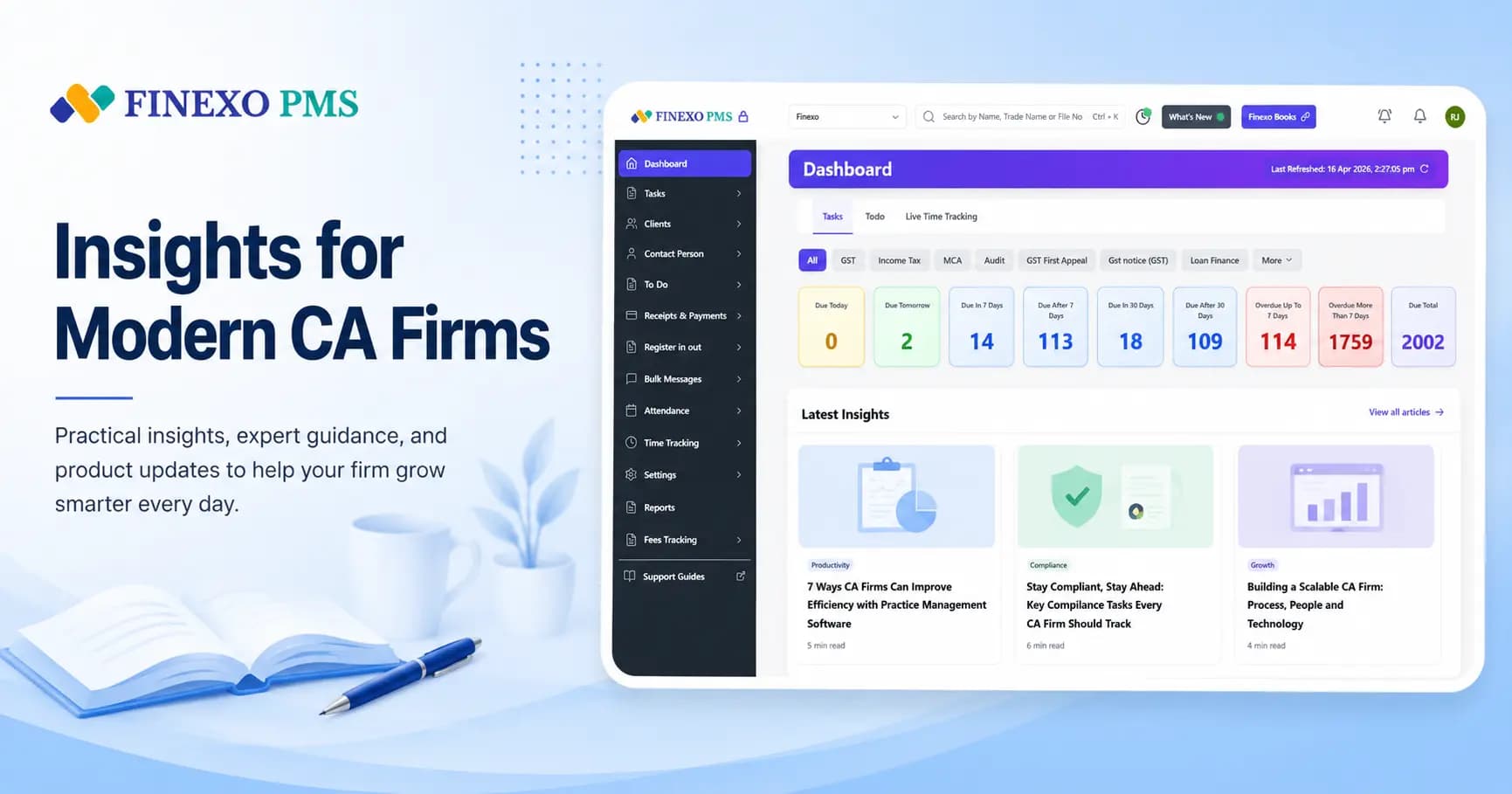
The best software for a tax consultant or tax practitioner in India is practice management software that understands Indian tax work specifically — one client master with PAN, GSTIN and portal credentials, automatic ITR/advance tax/TDS tasks built from each client's profile, a named owner on every open item, and a notice register so nothing sits past its response window. Generic to-do apps and CRMs do not model any of that.
Tax practice has a shape that most software ignores. The work is seasonal but not evenly so: ITR season buries July, advance tax spikes four times a year, TDS returns land quarterly, and notices arrive whenever the department feels like it. A tool built for projects assumes work arrives when someone creates it. Tax work arrives on a statutory calendar whether anyone creates it or not.
What tax consultants actually need software to do
| Need | Why generic tools fail at it |
|---|---|
| Recurring statutory tasks | ITR, advance tax, TDS and GST work repeats on fixed dates. A project tool needs someone to remember to create each one. |
| Client master with tax identifiers | PAN, GSTIN, TAN, assessment year and residential status drive which tasks even apply. A CRM contact card holds none of it. |
| Notice tracking with response deadlines | A notice is not a task with a due date you chose — it is a clock the department started. Missing it costs the client money. |
| Credential vault | Income tax, TRACES and GST portal logins live in chat history at most firms. Filing stalls when the one person who knows is on leave. |
| Document chase at scale | ITR season is mostly collecting Form 16s, bank statements and capital gains data. Bulk reminders are the whole job. |
How tax practitioners manage ITR season without drowning
- Freeze the client list before July. Every client who filed last year gets an ITR task created automatically for the current assessment year — including the ones who will file late.
- Segment by complexity, not alphabetically. Salary-only returns, business income, capital gains and NRI cases need different staff and different document sets. Tag them once and route work by tag.
- Start the document chase in June. Bulk WhatsApp or email requests, tracked per client, so you can see who has not responded rather than trying to remember.
- Give every return a named owner. "Pending" with no name is how the most conscientious person in the office ends up filing 200 returns in the last week.
- Close with an acknowledgement number. Status moves to filed only when the ITR-V or acknowledgement is on record, so the dashboard matches reality.
Notices are the work that breaks small tax practices
Most tax consultants have a system for returns and no system at all for notices. A 143(1) intimation, a 139(9) defective return notice and a GST ASMT-10 all arrive by email or on a portal, get forwarded to someone, and then depend entirely on that person remembering. The response windows are short and the consequences are not recoverable.
The fix is boring: a notice register where every notice is logged with the section, the client, the date received, the response deadline and an owner — reviewed in the same weekly meeting as everything else. Whether you run that in dedicated software or a disciplined shared list matters less than the fact that it exists and someone owns it.
Do tax consultants need different software from chartered accountants?
Mostly no, and this is worth saying plainly because the software market pretends otherwise. A chartered accountant running an audit-and-tax practice and a tax consultant running a return-filing and representation practice need the same core: client master, recurring compliance tasks, document management, staff allocation and deadline visibility. The CA firm adds audit workflow and statutory certification on top; the tax consultant leans harder on volume filing and notice handling.
What both should avoid is software built for a different country's accounting profession. Indian tax work runs on identifiers, portals and forms that generic international practice tools do not model — which is why firms end up maintaining a parallel Excel sheet to hold the fields the software has no place for. We covered how that plays out in Finexo vs Excel for CA practice.
What to look at before you buy
- Does it create tasks from client attributes, or do you create them? This is the single biggest difference between software that saves time and software that adds data entry.
- Can a partner see all pending work in one view? Without that, you are buying a filing cabinet, not a management system.
- Does it handle the whole compliance mix? A tool that manages GST but not ITR and TDS means you keep the spreadsheet anyway.
- What happens at 500 clients? Tools that feel fine at 40 clients often stop being usable at 400. Ask about firms of your target size, not your current size.
- Is your data exportable? If you cannot leave, you have no leverage and no disaster recovery.
Finexo PMS is built specifically around Indian tax and compliance work — GST, ITR, TDS and audit tasks generated from each client's own profile, with a credential vault, DSC expiry alerts and partner dashboards. If you want the category explained before you compare vendors, start with what practice management software is.
The TDS quarter, which is where small practices lose time
ITR season gets the attention, but TDS is the cycle that grinds — four times a year, across every client with a TAN, with a correction process that punishes carelessness. The work is more structured than most firms treat it:
| Stage | What it involves | Where it goes wrong |
|---|---|---|
| Monthly deposit | Tax deducted paid by the due date for each deductor | Handled by the client, invisible to the consultant until the return is prepared |
| Data collection | Deductee details, PANs, payment heads for the quarter | Invalid or missing PANs, which trigger higher deduction and later demands |
| Return preparation | 24Q for salary, 26Q for other resident payments, 27Q for non-residents | Wrong form or wrong section code, discovered only after processing |
| Filing and validation | Upload, token, and confirmation the return processed without defaults | Nobody checks the processing status, so defaults sit unnoticed for months |
| Certificates | Form 16 and 16A download and issue | Chased by employees at the worst possible time in July |
| Corrections | Revised returns for PAN and challan mismatches | Treated as ad-hoc work with no task, so it drifts past the next quarter |
The two habits that separate practices which handle TDS calmly from those which do not: treating the processing-status check as a task in its own right rather than assuming a filed return is a finished return, and validating PANs at collection rather than at filing. Both are cheap, and both prevent the demand notices that consume a quarter later. What to look for in tooling for this cycle specifically is in TDS return filing software for CA firms.
Getting paid, which nobody builds a system for
Tax practices are unusually bad at billing, and it is structural rather than careless. Fees are small, numerous and annual; the work is delivered before the invoice; and the person who could chase payment is the person the client will call next week about something urgent. The result is a practice with excellent compliance discipline and receivables nobody can quantify.
- Bill on a trigger, not on a memory. The invoice should be generated when the filing task closes, not when someone reviews the ledger at year end.
- Separate the chase from the relationship. Automated payment reminders from the system are read as process. The same message from the consultant is read as pressure, so it never gets sent.
- Price the notices. Representation and notice replies are the work most often absorbed into an annual fee that never contemplated them. Record them as they happen, or accept that they are free.
- Know your receivable ageing by client. Most practices discover, when they finally look, that a small number of clients account for nearly all of it — and that several are also the most demanding.
If billing sits inside the same system as the work, the trigger is automatic; if it sits in a separate accounting file, it depends on someone remembering. That is the entire difference, and it is why invoicing inside the practice system matters more for small practices than for large ones — there is nobody whose job it is to catch what falls through.
Do you need a CRM, or practice management?
This trips up tax consultants more than chartered accountants, because a consultant's growth genuinely does depend on enquiries in a way an established audit practice's does not. The distinction is simple: a CRM tracks people who are not yet clients, practice management tracks work for people who already are. A consultant losing enquiries between the first call and the engagement letter has a CRM problem, and buying compliance software will not touch it. A consultant whose filings go late has the opposite problem, and a CRM will not touch that either. The full comparison is in CRM vs practice management software for CA firms.
Most small practices need the second before the first, for an unglamorous reason: enquiries mostly arrive by referral, and referrals depend on existing clients being well served.
Shortlisting without wasting a month
- Decide your non-negotiables first, in writing, before any demo. For most tax practices that is recurring ITR and TDS task creation, a credential vault, a notice register and bulk document reminders.
- Test on your awkward clients. A QRMP filer, a composition dealer, a TDS-only deductor and a client with capital gains. Simple clients make every tool look good.
- Price at headcount plus five, for a year, including GST. Per-user pricing and flat team pricing diverge sharply past about eight people, and the sticker price for one user tells you nothing.
- Check the export before you buy, not before you leave. A vendor who cannot state the export format in one sentence has answered a different question.
- Migrate in the quiet quarter. Not July, not GST week. Late February through March is the safest window in an Indian practice.
For a comparison of the actual products Indian practices shortlist — including the ones aimed at solo practitioners rather than firms — see QwikCA alternatives for CA firms and the head-to-heads on the comparisons hub.
Bottom line
Tax consultants and tax practitioners do not need more software. They need one system that knows what an assessment year is, creates the right work without being asked, and tells a partner at a glance which client is at risk. Everything else — the dashboards, the reports, the integrations — is decoration on top of those three things.
Frequently Asked Questions
What is the best software for tax consultants in India?
Practice management software built for Indian tax work — one that stores PAN, TAN and GSTIN on the client master, auto-creates ITR, advance tax, TDS and GST tasks from those attributes, assigns owners, and tracks notices with their response deadlines. Finexo PMS, and a small number of other India-specific tools, are built this way; generic project or CRM tools are not.
Do tax practitioners need different software from chartered accountants?
Not fundamentally. Both need a client master, recurring statutory tasks, document management and partner visibility. Chartered accountants running audit practices add audit workflow on top; tax consultants lean more on high-volume return filing and notice handling. The same practice management platform generally serves both.
How do tax consultants manage ITR season?
By creating every return as a task before the season starts rather than during it, segmenting clients by return complexity, running the document chase from June with tracked bulk reminders, assigning a named owner to each return, and closing only on the acknowledgement number.
How should a tax practice track income tax notices?
In a notice register — every notice logged with its section, client, date received, statutory response deadline and an owner, reviewed weekly. Notices are the most common cause of avoidable client loss in small tax practices because they depend on one person remembering rather than on a system.
Can one software handle GST, ITR and TDS work together?
Yes, and it should. If your tool covers only GST, you will keep a spreadsheet for everything else, which defeats the point. Look for practice management software that generates GST, ITR, TDS and audit tasks from the same client master so partners get one view of all pending compliance work.