
CA Compliance Calendar Software for Indian Firms (2026 Guide)
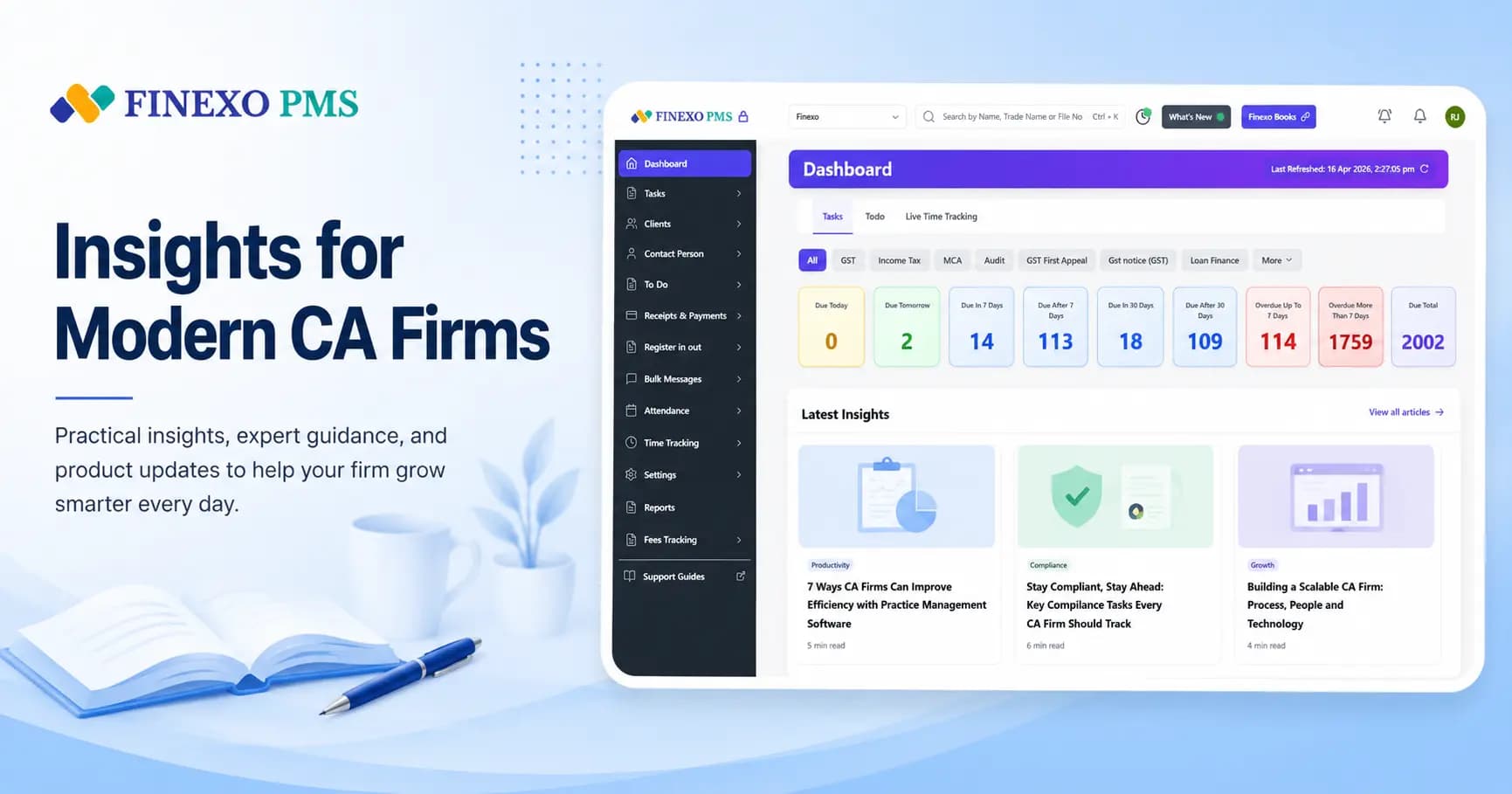
CA compliance calendar software is practice software that stores every client's GST, ITR, TDS and ROC due dates in one place, turns those dates into assigned tasks, and sends reminders before anything is late. For Indian CA firms, the useful version does more than show a shared Google Calendar — it knows which clients are monthly vs QRMP, which are composition dealers, and which GSTINs were cancelled, then builds the next month's work from that.
If you already keep due dates in Excel or WhatsApp, you are not behind. You are at the stage where the calendar exists but does not run the firm. This guide covers what good compliance calendar software includes, how it differs from a static due-date list, and when it is worth switching.
What compliance calendar software does for a CA firm
At minimum, the software should:
- Hold a client master with entity type, GSTIN status, QRMP flag and service package.
- Generate recurring tasks for GSTR-1, GSTR-3B, TDS returns, ITR and other statutory work from that master — not from a blank template you rebuild every month.
- Assign owners so each filing has a named person, not "someone will do it."
- Alert staff and, where needed, clients before the due date.
- Show partners a firm-wide view of pending, filed and overdue work.
A static compliance calendar of statutory due dates is still useful as a reference. Software is what applies those dates to your client list at scale.
Excel calendars vs dedicated software
| Job | Excel / shared sheet | Compliance calendar software |
|---|---|---|
| Know the statutory date (e.g. GSTR-3B by 20th) | Works if someone maintains the sheet | Works, and is usually pre-loaded |
| Create 400+ monthly tasks for 200 GST clients | Manual copy-paste or macros that break | Auto-created from client registration rules |
| Skip composition / cancelled GSTINs | Easy to miss; errors show up as late filings | Rules in the product if it understands Indian GST |
| Remind clients for documents | Manual WhatsApp one by one | Bulk WhatsApp / email from the task |
| Partner visibility | Open the file and hope it is current | Dashboard of pending / overdue by person |
Excel is fine while one person owns the tracker and the client count stays modest. It breaks when two people edit the same file, when QRMP vs monthly logic multiplies rows, or when reminders depend on memory. That is the same story as our Finexo vs Excel write-up — the calendar is only one of the sheets that starts to fail.
Features that matter for Indian CA firms
- India-native task logic: monthly vs QRMP GSTR-1/3B, composition dealers, registration date and cancellation status — not a generic "recurring task every 30 days."
- Client credential vault: portal passwords should not live in the same sheet as the calendar.
- DSC expiry tracking: a missed DSC renewal stops filings even when the calendar is perfect.
- Bulk reminders: document chase and fee follow-ups at volume.
- Clear pricing as you grow: per-user tools get expensive past ~8–10 staff; flat team plans keep the calendar affordable when you add clerks.
Finexo's compliance calendar sits inside Finexo PMS: due dates become work in task management, then tracked with owners, status and reminders. Pricing starts at ₹5,999/year for up to 10 users on a flat plan — see PMS pricing.
How to choose in 2026
- Import 20–30 real clients (mix of monthly, QRMP, composition) and see whether next month's GST tasks appear correctly without hand-building them.
- Check whether reminders go to staff, clients, or both — and on which channels.
- Price the tool at your current headcount and at +5 people. Flat vs per-user usually decides the winner.
- Decide if you only need a calendar or a full practice stack (billing, credentials, attendance). Most firms outgrow calendar-only tools quickly.
For a wider shortlist of practice platforms, see our top 10 practice management software for CA firms. For vendor-specific trade-offs, use the Finexo comparisons hub.
What the calendar must cover beyond GST
Firms buy compliance calendar software for GST and then discover it holds only GST. The obligations that actually cause emergencies in an Indian practice are spread across four departments, and a calendar that covers one of them is a calendar you will supplement with a spreadsheet:
| Area | Recurring work the calendar should generate | Driven by |
|---|---|---|
| GST | GSTR-1 / IFF, GSTR-3B, CMP-08, GSTR-4, annual GSTR-9 and 9C, LUT renewal | Registration type, QRMP selection, turnover, export status |
| Income tax | ITR by category, advance tax instalments, tax audit under 44AB, Form 3CD | Entity type, turnover, audit applicability, assessment year |
| TDS | Monthly deposits, quarterly 24Q / 26Q / 27Q, Form 16 and 16A issue | TAN, deductor category, payment types |
| ROC and MCA | AOC-4, MGT-7, DIR-3 KYC, LLP Form 11 and Form 8, board meeting cadence | Entity type and incorporation date |
| Firm-side renewals | DSC expiry, registration renewals, engagement letter refresh, professional tax | Dates the firm holds, not the client |
The last row is the one every firm forgets and the one that stops work dead. An expired DSC does not generate a warning from anybody — the filing simply fails on the due date, usually at nine in the evening. A calendar that tracks client obligations but not the firm's own certificates and renewals has a hole in exactly the place that costs the most.
Advance tax is the other frequent omission, because it is quarterly, client-specific and easy to treat as advisory rather than compliance. If you compute instalments for a meaningful number of clients, the advance tax calculator is worth keeping alongside the calendar. For TDS-heavy practices, the quarterly return cycle deserves its own evaluation — see TDS return filing software for CA firms.
Designing reminders people do not ignore
Most calendar software fails not because the dates are wrong but because the alerts become background noise within a month. Staff mute them, clients stop reading them, and the firm concludes the software does not work. A few rules keep reminders alive:
- Separate the client chase from the staff alert. They are different messages to different people on different schedules. A client needs a document request ten days out; an executive needs a "this is now yours and due Friday" the day the task opens.
- Escalate by age, and only once. A task overdue by three days should reach the partner. A task overdue by three days should not email everyone every morning until someone snoozes it forever.
- Send from the task, not from a broadcast list. A reminder that records itself against the client is evidence you chased. A WhatsApp forward is not, and it is the first thing a client disputes.
- Suppress what does not apply. Composition dealers should never receive a GSTR-1 reminder. One irrelevant alert teaches the recipient that alerts are optional.
- Make silence meaningful. If the dashboard is clean, nothing should arrive. Daily digests that always contain something train people to skim.
Setup mistakes that make good software look bad
- Importing a dirty client master. Registration type and QRMP flags that were wrong in Excel are still wrong after import, and now they are generating hundreds of incorrect tasks. Clean the two columns that drive task creation before you import anything.
- Turning everything on in week one. Firms enable every compliance area at once, get buried in tasks nobody assigned, and abandon the tool. Start with GST, get one cycle clean, then add TDS, then ITR.
- Running the sheet in parallel "just for this quarter". Two systems means neither is trusted, and the sheet always wins because it is familiar. Pick a cutover date and make the old file read-only.
- Nobody owning the calendar itself. Someone has to add new clients, deactivate cancelled GSTINs and adjust frequencies when a client moves to QRMP. Left unowned, the calendar drifts out of date within two quarters.
- Treating it as a partner tool. If only partners look at it, it is a report. The calendar has to be the place staff pick up their work, or it is documentation of what should have happened.
Calendar tool or full practice system?
Worth deciding early, because the market sells both under the same phrase. A calendar-only tool shows dates and sends alerts. A practice system holds the client master, generates the work, allocates it, stores the documents that go with it and bills for it. Firms under about fifty clients often do fine with the former; past that, the calendar stops being the constraint and allocation, documents and visibility become the problem instead.
The tell is whether you find yourself copying information out of the calendar into somewhere else. If the due date lives in one tool, the client details in a spreadsheet, the documents on a shared drive and the assignment in WhatsApp, you have four systems and no system. For shortlisting across both categories, see the QwikCA alternatives comparison, and if what you are missing is actually lead tracking rather than compliance tracking, CRM vs practice management software is the distinction to read first.
Bottom line
Compliance calendar software for CA firms is not a prettier list of due dates. It is the system that turns statutory dates into owned work for every client, every month. If your team still rebuilds filing trackers by hand, start there — and pick a tool that understands Indian GST registration rules, not a generic project calendar with CA stickers on it.
The same calendar logic serves tax consultants and tax practitioners, not only chartered accountants. What determines whether a calendar tool is useful is whether it generates client-specific obligations from registration data — a QRMP filer and a monthly filer must not receive the same tasks — and that requirement is identical whoever is running the practice.
Frequently Asked Questions
What is CA compliance calendar software?
It is software that maps GST, ITR, TDS and ROC due dates to each client, creates recurring filing tasks, assigns owners, and sends reminders before deadlines. For Indian CA firms, useful tools also apply QRMP, composition and cancellation rules instead of treating every client the same.
Is Excel enough as a compliance calendar for a CA firm?
Excel can hold statutory dates for a small practice with one owner of the file. It becomes unreliable when multiple staff edit the same tracker, when you manage hundreds of GST clients with different filing frequencies, or when reminders and credential storage sit outside the sheet.
What features should compliance calendar software have for Indian GST?
Look for auto-task creation that respects monthly vs QRMP filing, composition dealers, registration dates and cancelled GSTINs, plus DSC alerts, secure portal credentials, bulk client reminders and a partner view of overdue work.
How much does CA compliance calendar software cost in India?
Many practice platforms that include a compliance calendar charge either a flat annual fee (often roughly ₹5,000–₹25,000/year depending on client and user limits) or a per-user monthly fee. Finexo PMS, for example, starts at ₹5,999/year for up to 10 users with compliance tasks included on every plan.
Does Finexo include a compliance calendar?
Yes. Finexo PMS generates GST, ITR and TDS tasks from each client's registration profile, tracks ownership and status, and supports bulk WhatsApp/SMS/email reminders. The compliance calendar is part of the full practice stack, not a separate add-on.
Do tax consultants need compliance calendar software too?
Yes. Tax consultants and tax practitioners carry the same statutory calendar as chartered accountants, and face the same failure mode: a generic due-date list that applies every deadline to every client. Useful calendar software generates obligations per client from registration type and filing frequency, regardless of who runs the firm.